iblai-vibe-analyticslisted
Install: claude install-skill iblai/vibe
# /iblai-vibe-analytics
Add an analytics dashboard with a tabbed layout (`AnalyticsLayout`):
Overview, Courses, Programs, Users, Topics, Financial, Transcripts,
Reports. Each tab is a Next.js route under `/analytics/`.
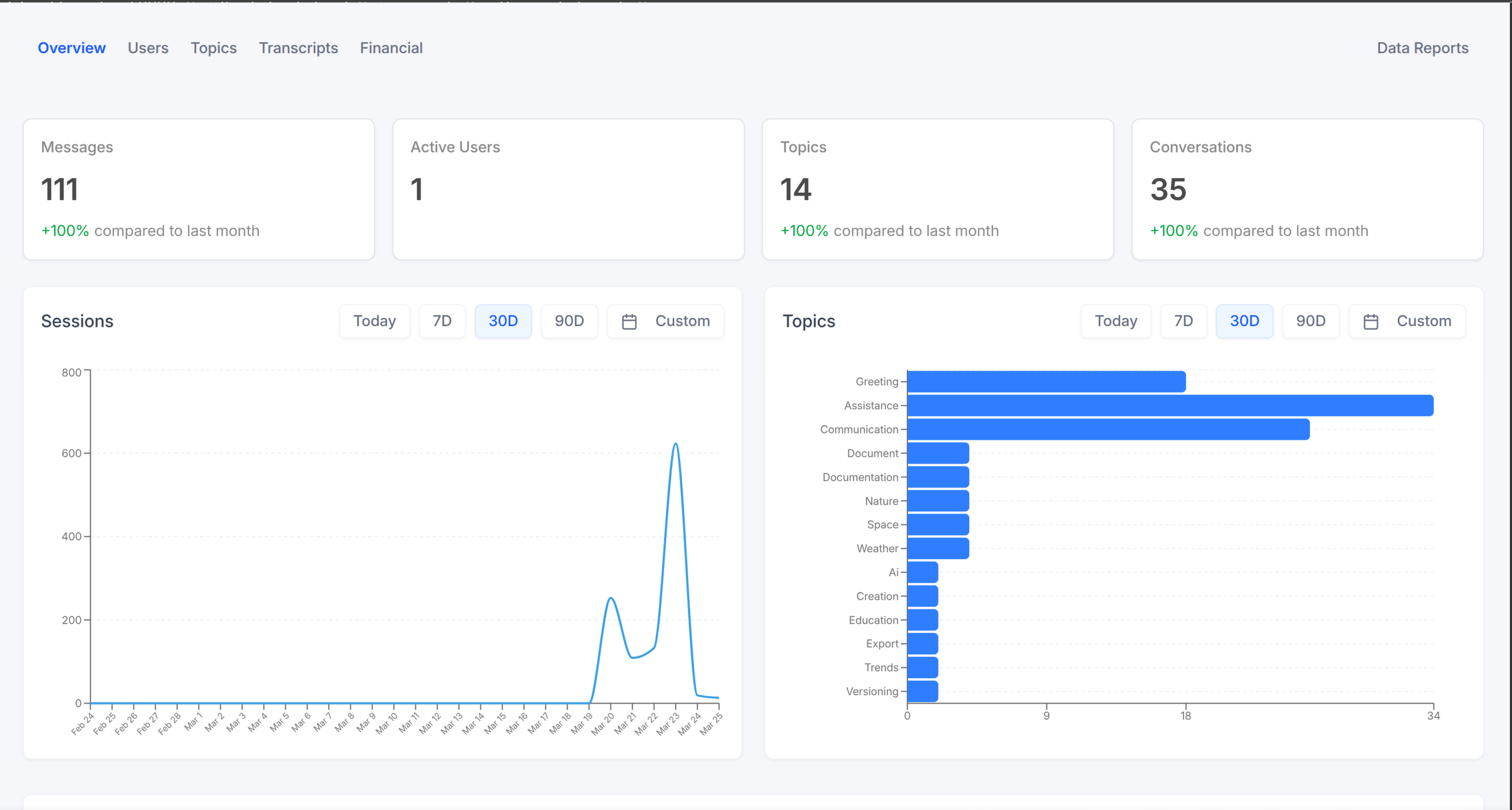
> **Template:** the page this skill creates is bundled as
> [`assets/analytics-page.tsx.j2`](assets/analytics-page.tsx.j2). See
> [`/iblai-vibe-scaffold`](../iblai-vibe-scaffold/SKILL.md) for the `{{ }}` contract.
Do NOT add custom styles to ibl.ai SDK components. Do NOT implement dark
mode unless asked. Follow the component hierarchy: ibl.ai SDK
(`@iblai/iblai-js`) first, then shadcn/ui (`npx shadcn@latest add`).
## Prerequisites
- Auth set up (`/iblai-vibe-auth`)
- MCP server + skills configured (`@iblai/mcp` in `.mcp.json`)
- `iblai.env` populated with `PLATFORM`, `DOMAIN`, `TOKEN`. If missing:
`curl -o iblai.env https://raw.githubusercontent.com/iblai/vibe/refs/heads/main/iblai.env`
- **API companion (recommended):** `npx skills add iblai/api`. Installs
the `/iblai-analytics` REST reference and a filtered snapshot of the
live OpenAPI schema. This skill (frontend wiring) and that one (API
contract) stay in lockstep.
## Create the Page
Render [`assets/analytics-page.tsx.j2`](assets/analytics-page.tsx.j2) into
`app/(app)/analytics/page.tsx` (overview only). You create the layout and
sub-pages manually (below).
## Layou