iblai-vibe-agent-voicelisted
Install: claude install-skill iblai/vibe
# /iblai-vibe-agent-voice
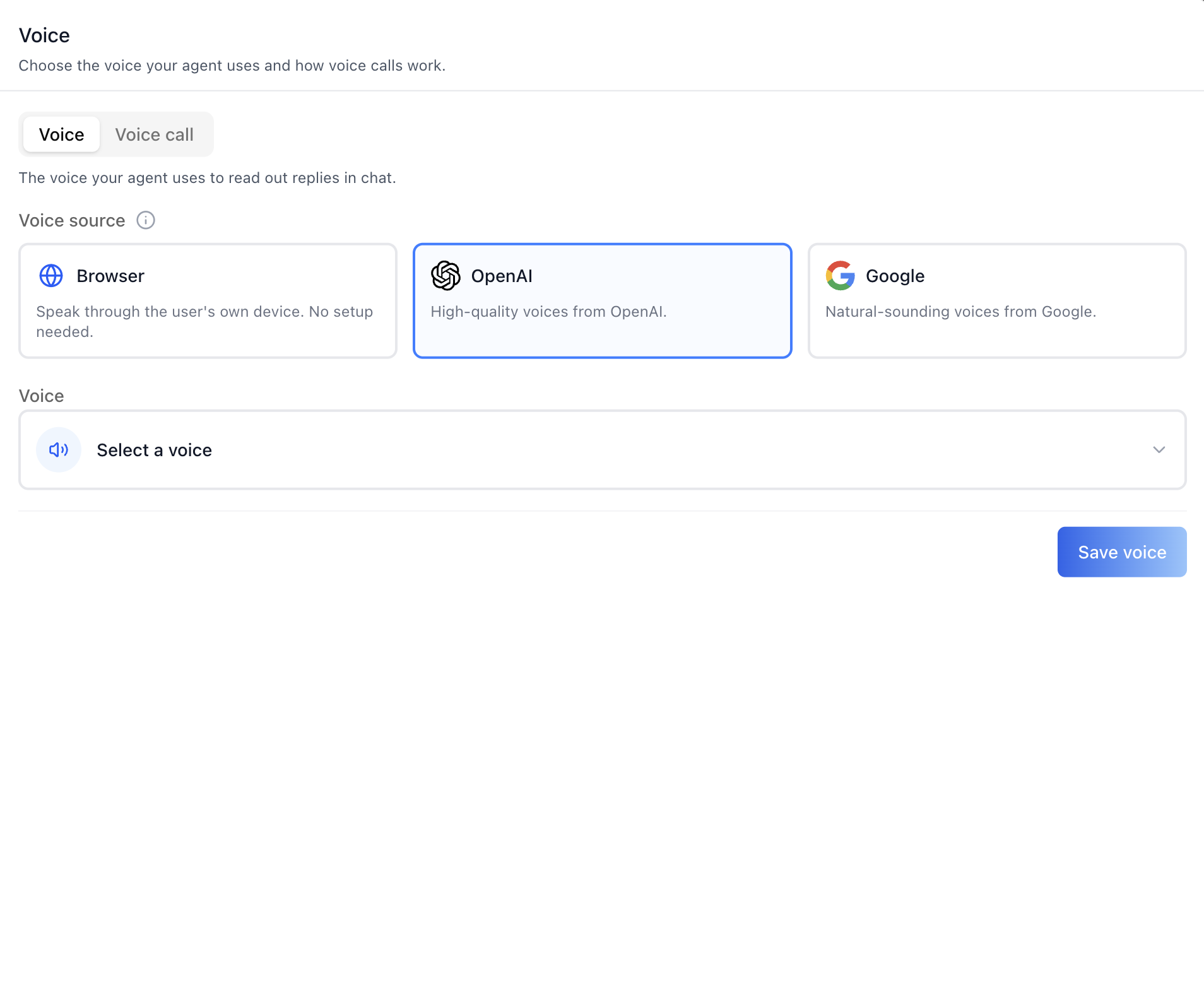
Add the agent **Voice tab** -- pick the voice your agent uses to read out
chat replies, and configure how live voice calls work. The tab has two
sub-tabs: **Voice** (choose a voice source -- Browser, OpenAI, or Google --
then pick a specific voice from a searchable, previewable picker, and
optionally write **Voice instructions**, a style prompt for how the voice
should deliver replies) and **Voice call** (call style, spoken language,
AI provider, and the voice used on calls). This is one tab in the wider agent-settings family (`access`,
`api`, `datasets`, `disclaimers`, `embed`, `history`, `llm`, `memory`,
`prompts`, `safety`, `settings`, `tools`, `voice`). Each tab is a separate
skill. All tabs share the same `AgentSettingsProvider` wrapper -- set it up
once and mount as many tabs as you need.
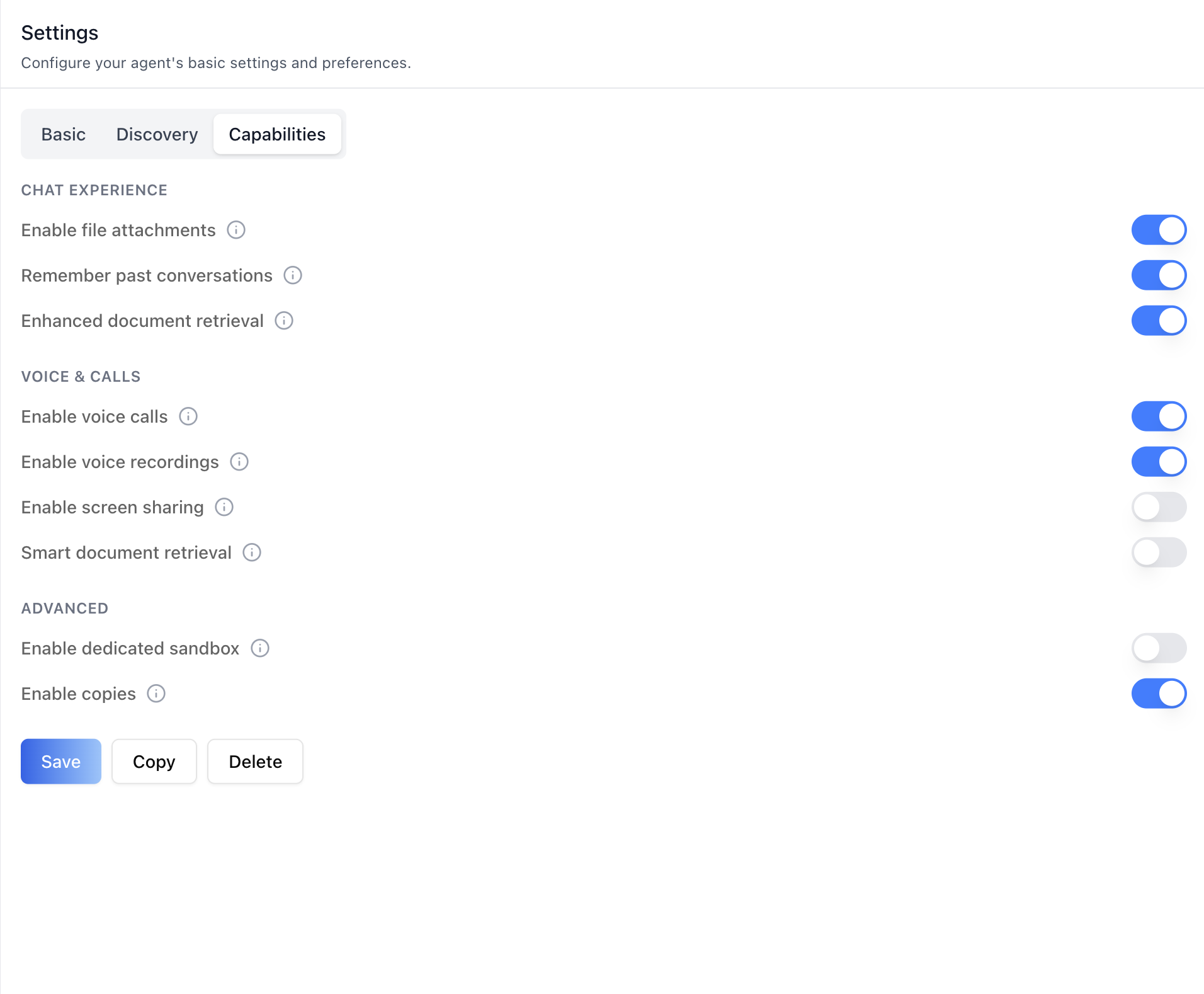
> **Enable voice calls first.** The call features only do something once
> voice calls are turned on for the agent. Toggle **Enable voice calls** in
> the agent's **Settings** tab -> **Capabilities** (under "Voice & calls")
> before configuring this tab. See `/iblai-agent-setting`.
![Voice picker