iblai-vibe-agent-sandboxlisted
Install: claude install-skill iblai/vibe
# /iblai-vibe-agent-sandbox
Add the agent **Sandbox tab** -- choose how the agent runs code and,
for Claw, manage its sandbox workspace. A **Sandbox Type** card picks
one of three mutually exclusive kinds:
- **Computing Runtime** — a lightweight JavaScript calculator for
quick computations; the low-cost option.
- **Virtual Machine Shell** — a full Linux virtual machine: the agent
can write files and run real shell commands in an isolated sandbox.
- **Claw** — a dedicated Claw worker: a persistent agent host with
its own skills and plugins, billed by usage. This is the original
OpenClaw sandbox flow — selecting it reveals the instance
management sections below the card.
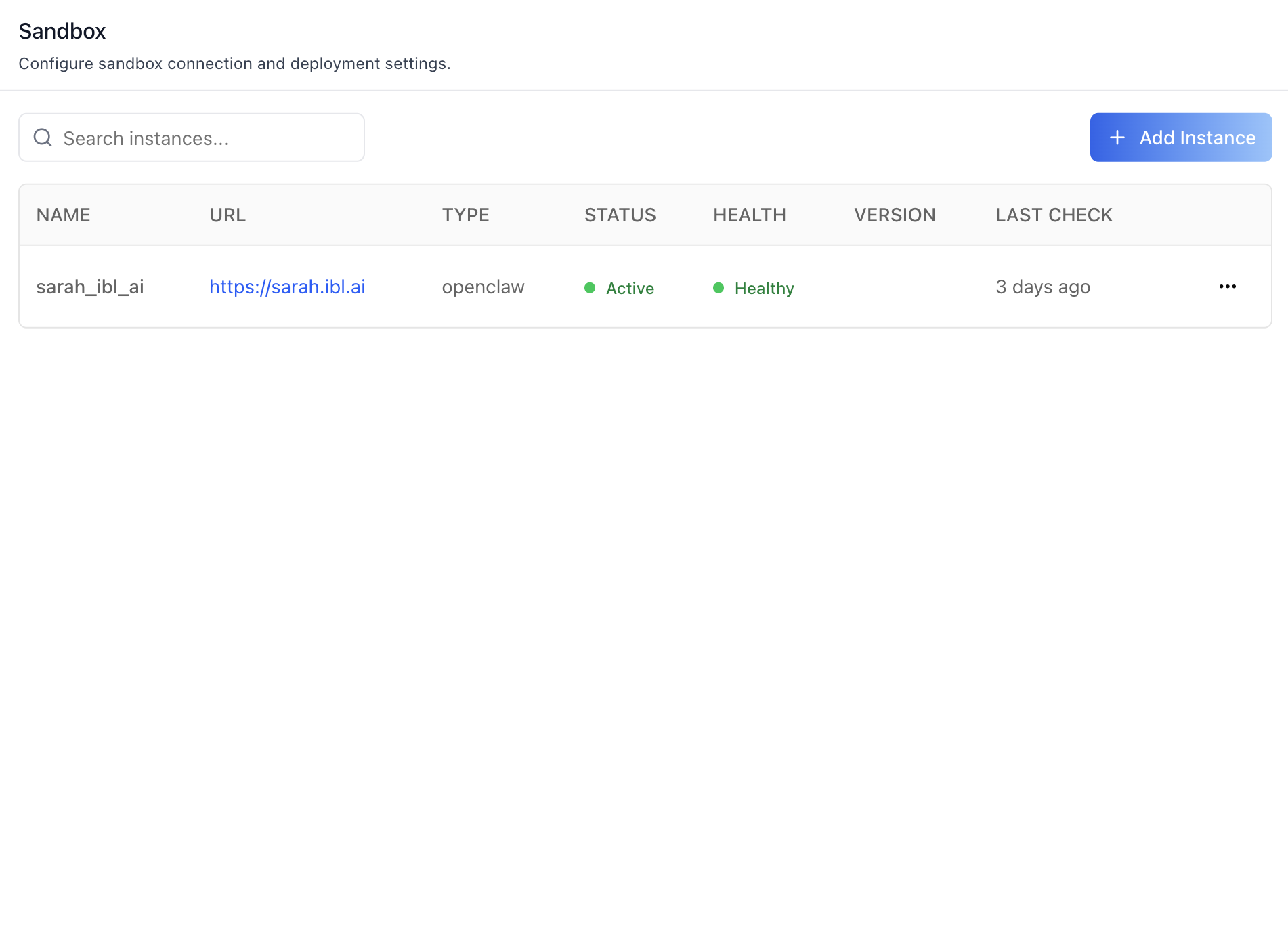
With **Claw** selected, the tab connects the agent to an OpenClaw
instance and edits the agent-workspace prompt files (Identity, Soul,
User Context, Tools, Agents, Bootstrap, Heartbeat, Memory) backing
the agent's runtime behaviour. Push pulls the current configuration
onto the connected sandbox; Auto Push on Save pushes after every
edit.
Agent Skills are managed independently of the sandbox — see
`/iblai-vibe-agent-skills` for the Skills surface (skills catalog,
per-agent assignment, skill resources, and the chat `/` picker).
![Sandbox Type — Computing Runtime selected](https://raw.githubusercontent.com/iblai/vibe/refs/heads/main/s