iblai-vibe-agent-billinglisted
Install: claude install-skill iblai/vibe
# /iblai-vibe-agent-billing
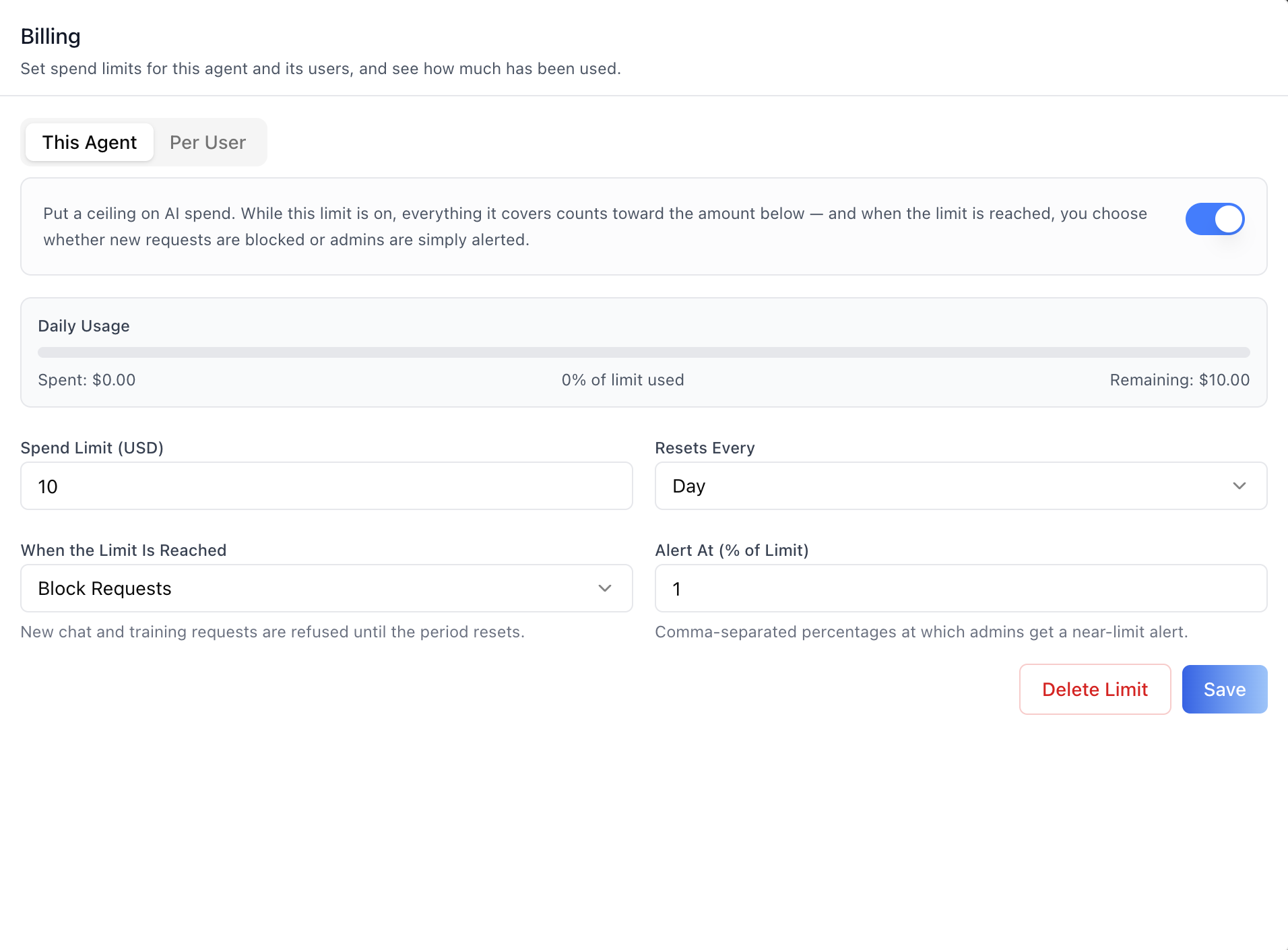
Add the agent **Billing tab** -- set LLM spend limits for this agent
and its users, and see how much has been used. Two sub-tabs match the
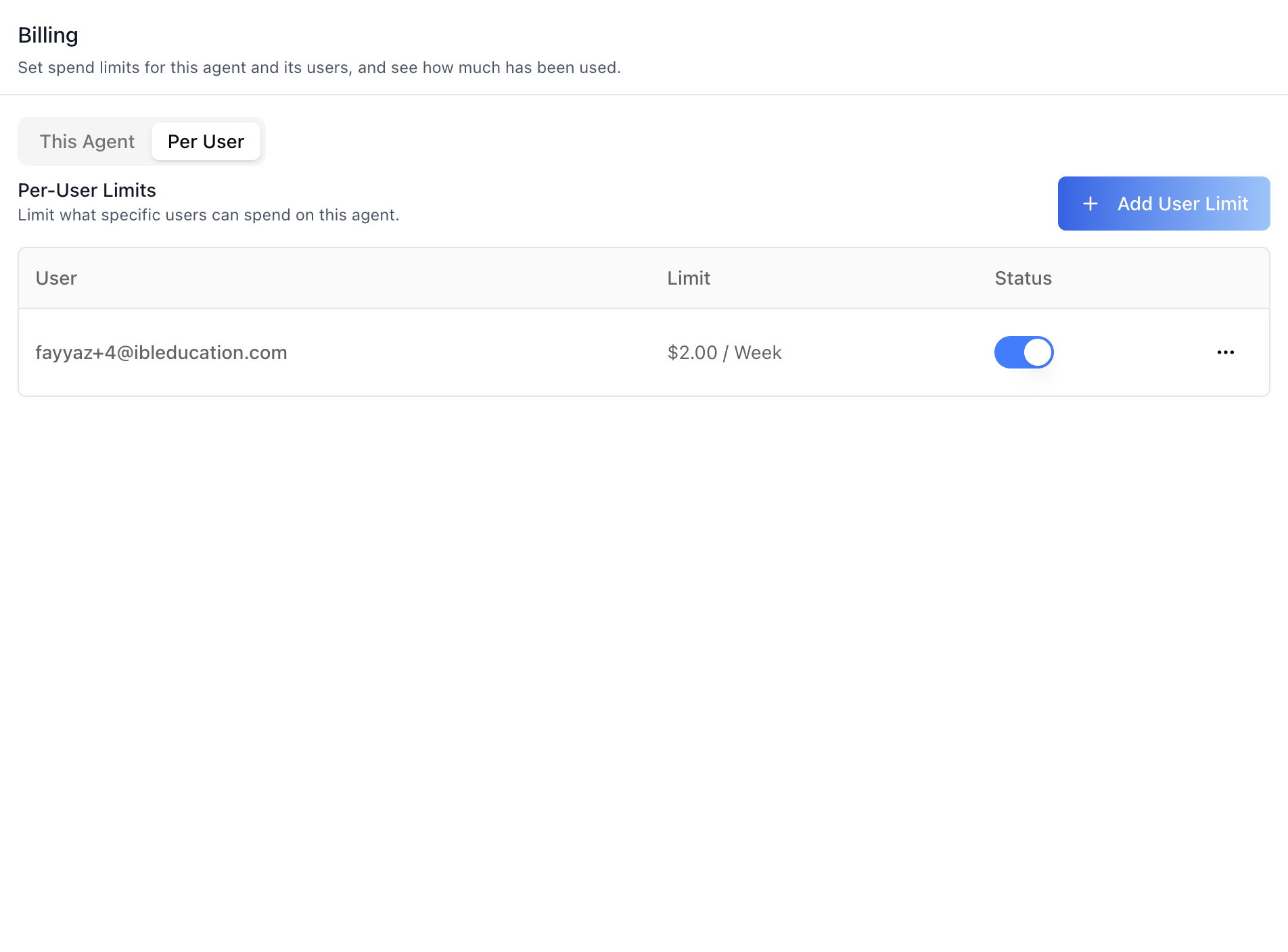
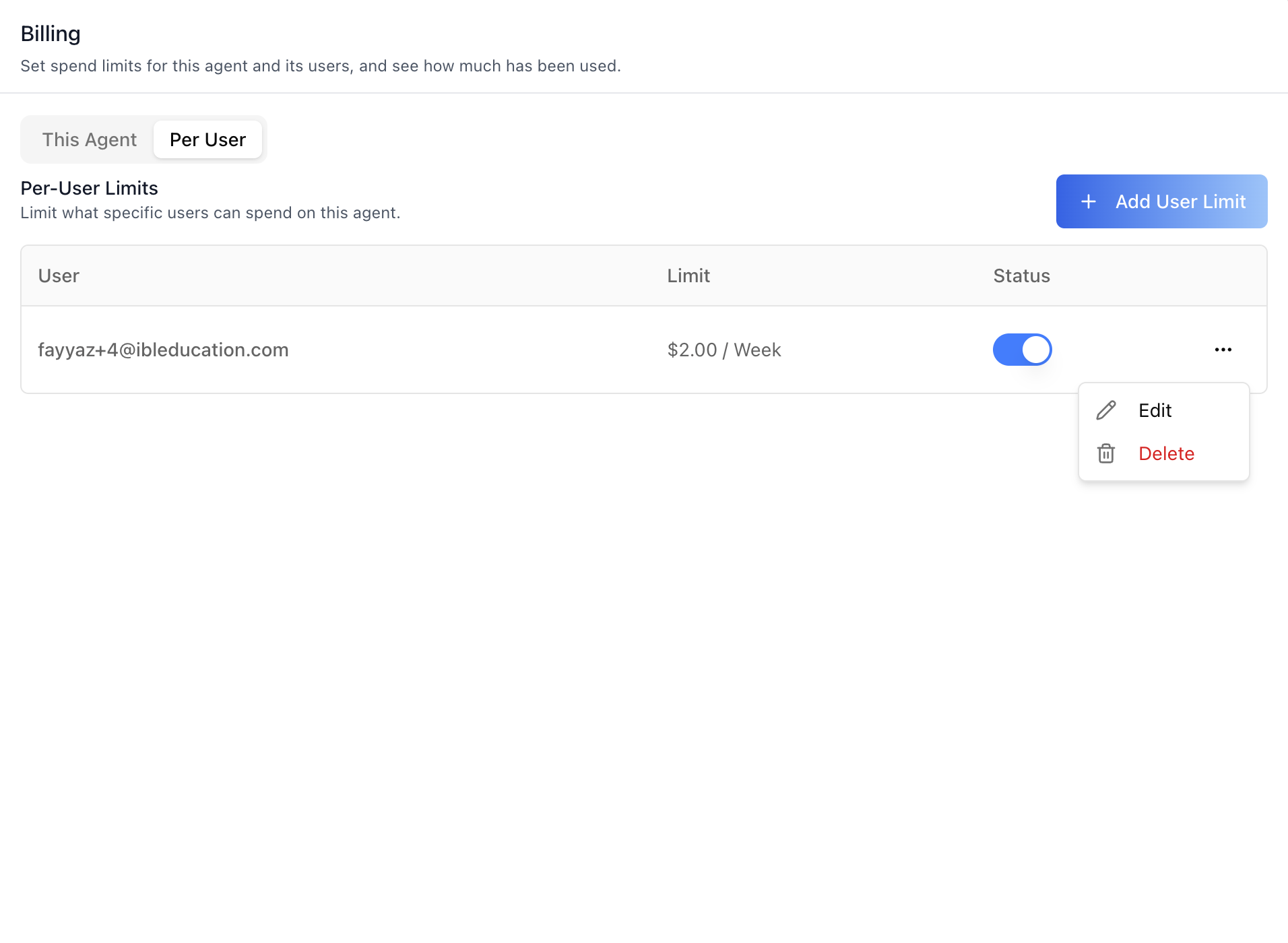
backend's agent-level scopes: **This Agent** (the agent's own spend
cap) and **Per User** (explicit per-user limits on this agent, with
the user picked through a platform-user search). Each limit has an
enable toggle, a usage bar (spent / % used / remaining), a spend
amount with a reset interval (day/week/month/year), an enforcement
mode (**Block Requests** or **Alert Only**), and comma-separated
alert thresholds at which admins get a near-limit alert. Enforcement
is server-side — a blocked request is refused with a `429` /
`spend_cap_exceeded` error until the period resets. This is one tab
in the wider agent-settings family. All tabs share the same
`AgentSettingsProvider` wrapper.
![New User Limit Modal](https://raw.githubusercontent.com/iblai/vibe/refs/heads/main/skills/iblai-vibe-agent-billing/iblai-vibe-agent-billing-new-user-limi